

 Customers of the Hudson City Savings Bank can access their accounts on the Internet and easily manage their finances at HCSBOnline.com. This site is where they can deposit and withdraw money, and also apply for loans. And once these have been approved, HCSBOnline.com makes it easy for customers to check rates and even refinance them.
HCSBOnline.com also comes with a set of calculators for understanding how your debts and savings might sway over time, so that any decision that you make is not one you’ll end up regretting afterwards. Plus, a box with daily deposit rates is always displayed on the site.
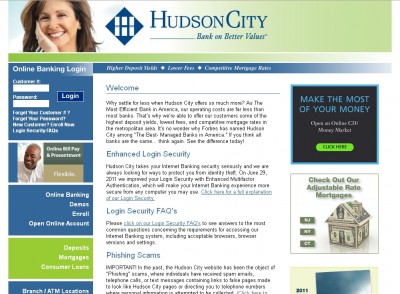
And like most online banks do, HCSB offers electronic statements to its customers. You can get yours by signing in to the site, and clicking on the “eStatement” link that’s provided on the main menu.
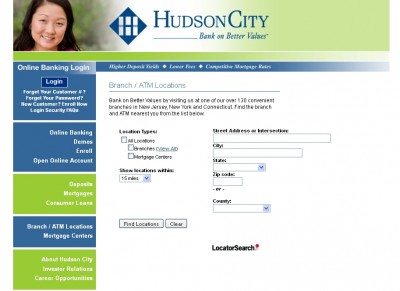
HCSBOnline.com also lets you find both Branch/ATM locations and mortgage centers. Just by supplying your full address you’ll have the relevant information laid out on a map.
And if you’re a client of the bank but you haven’t signed up as an Internet Banking Customer yet, then you can easily do that on this site. Simply click on the “Enroll” link, and follow the instructions that are provided. You’ll become a registered online customer of the bank in minutes.


